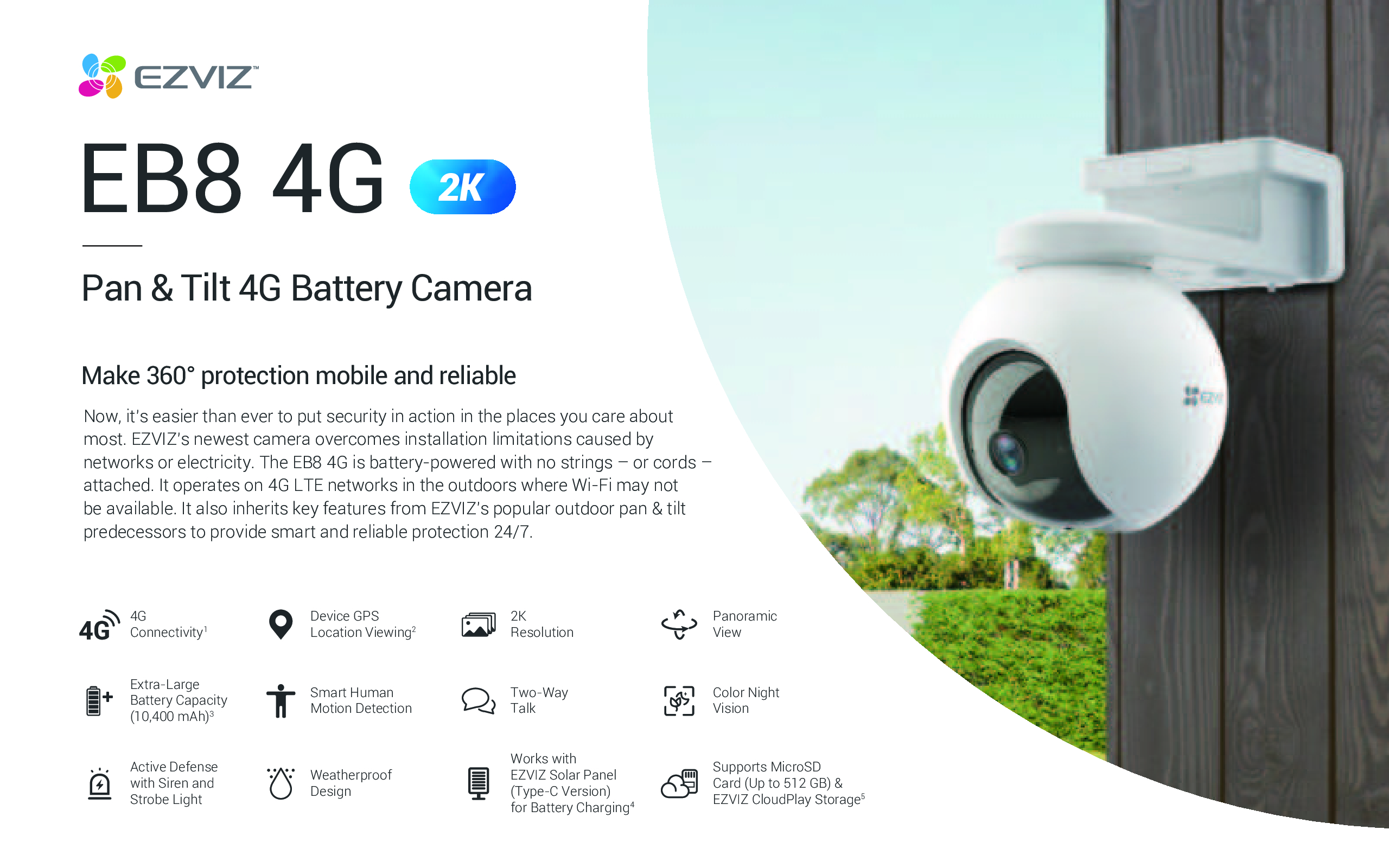

EZVIZ H3 3K 5MP Smart Home Camera – AI Human Detection, Waving-Hand Control & Custom Detection Zones NEW DB
$89.90
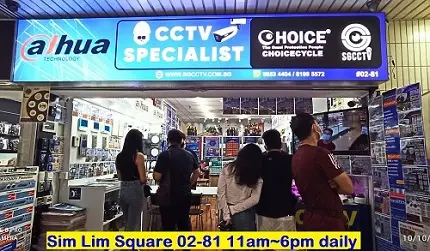
SGCCTV SINGAPORE OFFICIAL PARTNER
Supply and Maintenance SGCCTV CCTV IP Cameras, NVR, Turbo HD TVI Cameras, DVR, PTZ Cameras,
Access Control System, Video Intercom.
Sim Lim Square 02-81 10am-7pm Daily.
Whatsapp Enquiry Project +65 98534404, Technical Support +65 81120788, Site Visit Maintenance +65 81985572.
EZVIZ H3 3K 5MP Smart Home Camera – AI Human Detection, Waving-Hand Control & Custom Detection Zones
The EZVIZ H3 3K 5MP Smart Home Camera is a next-generation outdoor security camera engineered for crystal-clear monitoring, intelligent detection, and effortless control. Powered by advanced AI human-shape detection and innovative waving-hand recognition, the H3 3K delivers smarter security with fewer false alerts and more convenient interaction.
Designed for homes, shops, offices, and small businesses, this camera combines ultra-high-resolution 3K video, weatherproof durability, and customizable detection zones to give you reliable protection day and night.
Ultra-Sharp 3K 5MP Video – See Every Detail Clearly
Experience next-level clarity with 3K (5MP) ultra-high-definition resolution. Compared to standard 1080p cameras, the EZVIZ H3 captures sharper images, finer details, and clearer facial features—making it ideal for identifying people, vehicles, and activities around your property.
Whether monitoring your front gate, driveway, corridor, or storefront, the H3 ensures nothing important is missed.
AI-Powered Human Shape Detection – Smarter Alerts, Less Noise
The EZVIZ H3 is equipped with AI-powered human-shape detection, allowing it to intelligently distinguish people from moving objects like trees, rain, pets, or shadows.
Benefits of AI Human Detection:
Dramatically reduces false alarms
Sends alerts only when human movement is detected
Improves response time for real security events
Ideal for high-traffic outdoor areas
This makes the H3 3K perfect for users who want accurate alerts without constant notifications.
Waving-Hand Recognition & Control – Touch-Free Smart Interaction
One of the standout features of the EZVIZ H3 is its waving-hand recognition technology. With a simple wave of your hand in front of the camera, you can trigger preset actions—perfect for quick interaction without using your phone.
This feature is especially useful for:
Shop entrances
Office doors
Hands-busy situations
Elderly-friendly or contact-free environments
It’s smart security made intuitive.
Customizable Detection Zones – Protect What Matters Most
With custom detection zones, you decide exactly which areas the camera should monitor. Focus on critical zones like entrances, walkways, gates, or restricted areas while ignoring unnecessary motion elsewhere.
This ensures:
Higher alert accuracy
Reduced false notifications
More efficient monitoring
All settings are easily adjusted through the EZVIZ mobile app.
Clear Night Vision – 24/7 Protection
The EZVIZ H3 3K delivers reliable surveillance even in complete darkness with advanced infrared night vision. Whether it’s late at night or low-light conditions, the camera continues to capture clear and usable footage to keep your property protected around the clock.
Weatherproof & Built for Outdoor Use
Built with a durable, weather-resistant housing, the EZVIZ H3 is designed to perform in rain, heat, and harsh outdoor environments. It’s suitable for:
HDB corridors
Landed properties
Shops & warehouses
Offices & commercial buildings
Rain or shine, your security stays online.
Two-Way Audio – Hear & Talk Remotely
With a built-in microphone and speaker, the H3 supports two-way audio, allowing you to communicate with visitors, delivery personnel, or deter unwanted guests directly from your smartphone.
Flexible Storage Options
The EZVIZ H3 supports:
MicroSD card storage
EZVIZ Cloud storage (subscription)
Choose local or cloud storage based on your security needs.
EZVIZ H3 3K 5MP Smart Home Camera – AI Human Detection, Waving-Hand Control & Custom Detection Zones
Why Choose EZVIZ H3 3K 5MP Smart Home Camera?
3K 5MP ultra-clear video quality
AI-powered human shape detection
Innovative waving-hand recognition control
Customizable motion detection zones
Night vision for 24/7 security
Weatherproof outdoor design
Two-way audio communication
Easy control via EZVIZ mobile app
Ideal For
Homeowners seeking smart outdoor security
Shops and retail stores
Offices and small businesses
Driveways, entrances, corridors, and gates
Users who want fewer false alarms with smarter AI detection
EZVIZ H3 3K 5MP Smart Home Camera – AI Human Detection, Waving-Hand Control & Custom Detection Zones
How to Install, Download & Configure EZVIZ H3 3K 5MP Smart Home Camera
Setting up the EZVIZ H3 3K 5MP Smart Home Camera is fast and straightforward. Follow the steps below to get your camera online and protecting your property in minutes.
🔽 Step 1: Download the EZVIZ App
Open Google Play Store (Android) or Apple App Store (iOS).
Search for “EZVIZ”.
Download and install the EZVIZ Smart Home App.
Launch the app and sign up or log in to your EZVIZ account.
📱 The EZVIZ app is your control center for live view, alerts, playback, and smart settings.
⚡ Step 2: Power Up the Camera
Connect the EZVIZ H3 camera to a power source using the provided power cable.
Wait until the status indicator LED starts flashing.
If the camera does not enter setup mode automatically, press and hold the RESET button for about 5 seconds until you hear a prompt.
📡 Step 3: Add the Camera to the EZVIZ App
In the EZVIZ app, tap the “+” icon to add a new device.
Scan the QR code located on the camera body or the Quick Start Guide.
Select your 2.4GHz Wi-Fi network (recommended for stability).
Enter your Wi-Fi password and follow the on-screen instructions.
Wait for the device to connect successfully.
✅ Once connected, your camera will appear in the app dashboard.
🛠 Step 4: Mount the EZVIZ H3 Camera
Recommended Installation Position
Install at a height of 2.5–3 meters
Ensure a clear view of the monitored area
Avoid pointing directly at strong light sources
Keep within stable Wi-Fi coverage
Mounting Steps
Detach the mounting base from the camera.
Use the provided drilling template to mark screw holes.
Drill holes and insert wall anchors if needed.
Secure the mounting bracket with screws.
Attach the camera to the bracket and tighten.
Adjust the camera angle for optimal coverage.
⚙️ Step 5: Configure Smart Detection Settings
Once installed, customize the camera settings inside the EZVIZ app:
Enable AI Human Shape Detection
Go to Device Settings → Smart Detection
Turn on Human Shape Detection
Adjust detection sensitivity as needed
Set Custom Detection Zones
Select Detection Area
Draw monitoring zones on the screen
Exclude roads, trees, or unwanted motion areas
Waving-Hand Recognition Setup
Enable Gesture / Waving-Hand Recognition
Assign actions triggered by hand gestures
Test the feature in front of the camera
EZVIZ H3 3K 5MP Smart Home Camera – AI Human Detection, Waving-Hand Control & Custom Detection Zones
🌙 Step 6: Configure Night Vision & Video Settings
Choose Auto / Infrared Night Vision
Set video resolution to 3K (5MP) for best clarity
Adjust image brightness and contrast if needed
🔊 Step 7: Enable Two-Way Audio
Tap Live View in the app.
Press the microphone icon to speak.
Use it to communicate with visitors or warn intruders remotely.
💾 Step 8: Storage & Recording Setup
Local Storage
Insert a microSD card into the camera
Enable continuous or event-based recording
Cloud Storage (Optional)
Subscribe to EZVIZ CloudPlay
Access recordings anytime, anywhere
Extra protection even if the camera is damaged
🔁 Step 9: Firmware Update (Recommended)
Go to Device Settings → Firmware
Update to the latest version
Ensures best performance, security, and new features
✅ Installation Tips for Best Performance
✔ Use strong 2.4GHz Wi-Fi
✔ Avoid placing near reflective surfaces
✔ Adjust detection zones to reduce false alerts
✔ Update firmware regularly
✔ Secure cables properly for outdoor installations
🏠 Perfect For
Home entrances & gates
HDB corridors & landed houses
Shops & offices
Warehouses & car parks
EZVIZ H3 3K 5MP Smart Home Camera – AI Human Detection, Waving-Hand Control & Custom Detection Zones
1. Brand Background & Positioning
📌 EZVIZ
Subsidiary of Hikvision, one of the largest CCTV manufacturers in the world.
Focuses on smart home & consumer cameras, with strong ecosystem integration like app control and cloud services.
📌 Dahua IMOU
IMOU is a consumer brand under Dahua Technology, another global security giant.
Targets affordable smart home security with a focus on ease of use and basic AI detection features.
2. Image Quality & Technology
🖼️ Resolution & Night Vision
Both brands offer models from Full HD up to 4K/5MP or higher.
EZVIZ often promotes Color Night Vision and advanced video clarity especially on higher-end models.
IMOU also delivers solid video and night vision, often with LED spotlight options on some models.
👉 On average, EZVIZ has wider resolution spread in entry-to-mid tiers, while IMOU focuses heavily on cost-performance.
3. Smart Detection & AI Features
🤖 AI Motion / Detection
IMOU often has more varied AI features such as person, vehicle, and pet detection across mid-tier cameras.
EZVIZ excels with human shape detection, customizable zones, and advanced alerts that reduce false alarms.
✔ Both brands offer useful smart detection — EZVIZ tends to lean slightly more toward detailed customization and accuracy, while IMOU leans more toward multi-type detection.
4. Software & App Experience
📱 User Apps
EZVIZ App: widely regarded as feature-rich and stable, with good remote control and settings customization.
IMOU Life App: simple and easy for beginners, but sometimes less versatile for advanced settings.
➡️ Both apps are mobile-first, but some users find EZVIZ slightly more polished for advanced configuration.
5. Storage & Cloud Services
💾 Local & Cloud Storage
EZVIZ: supports microSD, NVR, and EZVIZ CloudPlay plans.
IMOU: supports microSD (often higher capacity on some models), NVR, and IMOU Life Cloud plans.
⚖ IMOU’s local storage options may stretch slightly higher on SD capacity in some models.
6. Price & Value
💸 Cost
IMOU cameras generally tend to be more affordable at the entry level.
EZVIZ is slightly pricier overall but offers broader features and ecosystem capability.
✔ If budget is a priority, IMOU often gives good value. If you want more features and a stronger ecosystem, EZVIZ may be worth the extra spend.
7. Best Use Cases
👉 Choose EZVIZ if:
You want high clarity video and advanced detection settings
You plan to expand into a larger smart ecosystem (lights, sensors, etc.)
You prefer the EZVIZ app’s advanced controls
👉 Choose IMOU if:
You want budget-friendly cameras with solid performance
You value varied AI detection at lower price tiers
You prefer simple setup and basic smart home integration
8. Final Takeaway
| Feature | EZVIZ | Dahua IMOU |
|---|---|---|
| Brand Strength | Big global brand via Hikvision, strong ecosystem | Part of Dahua tech ecosystem – reliable and affordable |
| Image & Night Vision | Very good with Color Night Vision options | Strong, often spotlight night vision |
| AI & Smart Detection | Advanced human detection, customizable zones | Broad detection types (person/pet/vehicle) |
| App & Manageability | Feature-rich, slightly more tools | Easy and intuitive |
| Price | Mid-tier | Often lower cost |


Nunc lacus elit, faucibus ac laoreet sed, dapibus ac mi. Maecenas eu ante a elit tempus fermentum. Aliquam commodo tincidunt semper. Phasellus accumsan, justo ac mollis pharetra, ex dui pharetra nisl, a scelerisque ipsum nulla ac sem. Cras eu risus urna. Duis lorem sapien, congue eget nisl sit amet, rutrum faucibus elit.
Donec accumsan auctor iaculis. Sed suscipit arcu ligula, at egestas magna molestie a. Proin ac ex maximus, ultrices justo eget, sodales orci. Aliquam egestas libero ac turpis pharetra, in vehicula lacus scelerisque. Vestibulum ut sem laoreet, feugiat tellus at, hendrerit arcu.
Nunc lacus elit, faucibus ac laoreet sed, dapibus ac mi. Maecenas eu ante a elit tempus fermentum. Aliquam commodo tincidunt semper. Phasellus accumsan, justo ac mollis pharetra, ex dui pharetra nisl, a scelerisque ipsum nulla ac sem. Cras eu risus urna. Duis lorem sapien, congue eget nisl sit amet, rutrum faucibus elit.