
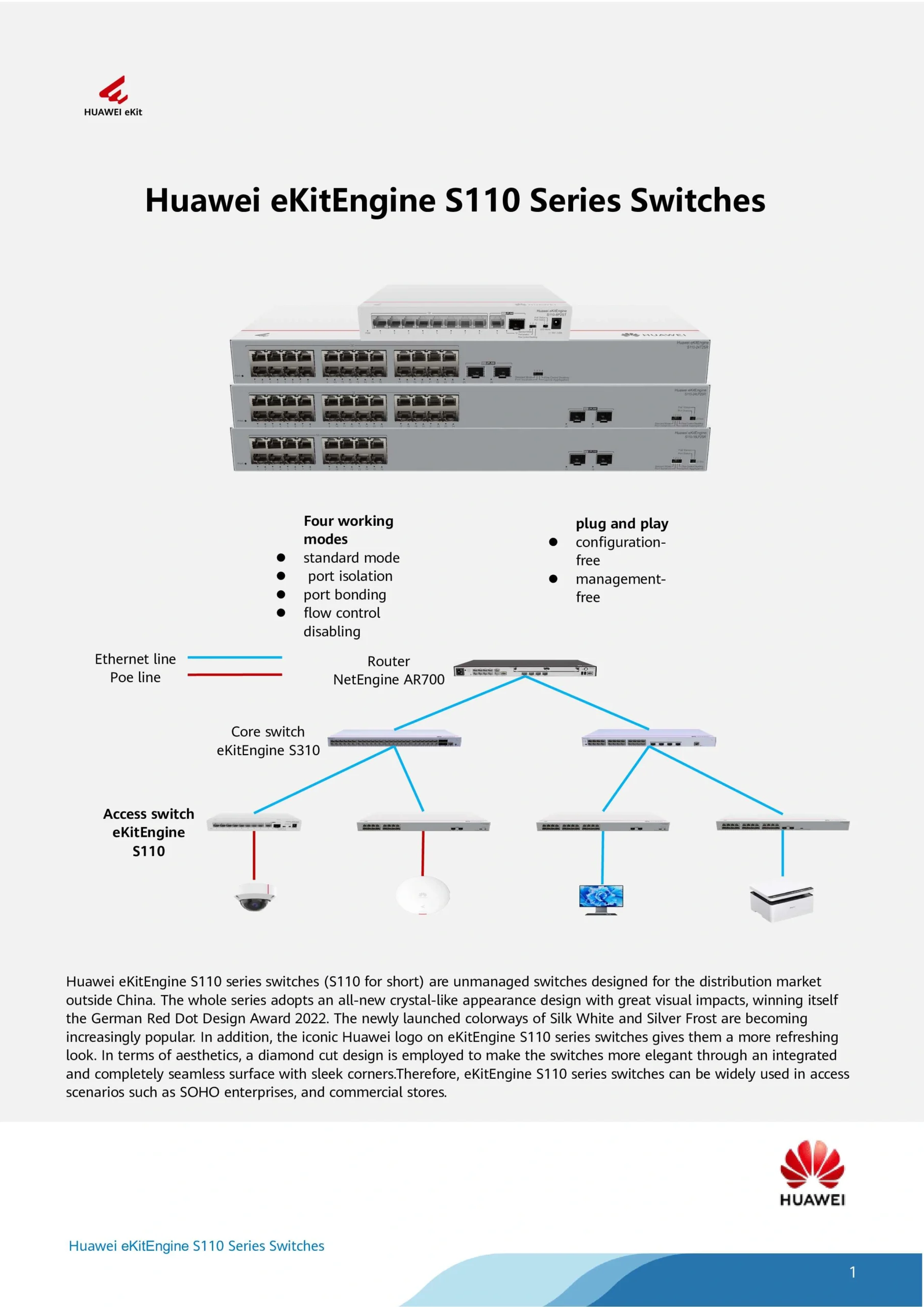
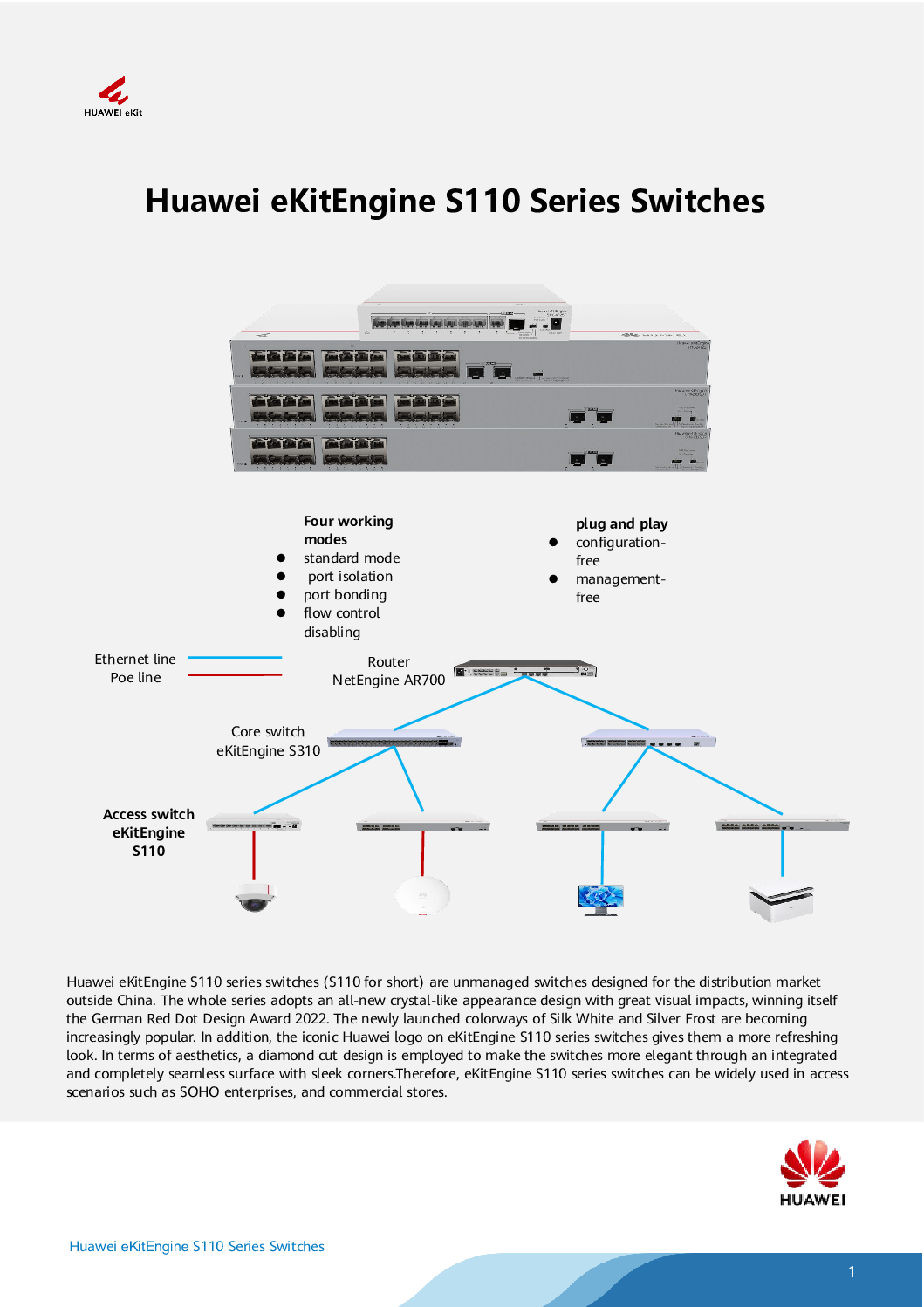
Huawei 8-Port Gigabit Unmanaged PoE Switch
The Huawei 8-Port Gigabit Unmanaged PoE Switch is a compact, high-performance network solution designed for small offices, retail stores, home networks, and CCTV systems. Combining Gigabit speeds, plug-and-play simplicity, and Power over Ethernet (PoE) support, this switch ensures that your network devices — from IP cameras to access points — are powered and connected without complex configuration.
Whether you are a CCTV installer, small business owner, or IT beginner, the Huawei 8-Port Unmanaged PoE Switch offers reliable connectivity and efficient power delivery in one compact device.
Plug-and-Play Simplicity
As a Huawei Plug-and-Play PoE Switch, this device is designed to work immediately once connected:
Key Plug-and-Play Features
Automatic detection and PoE power allocation to connected devices
No manual configuration or IT expertise required
Supports IEEE 802.3af / 802.3at PoE standards
LED indicators for easy monitoring of port activity and PoE status
Fanless design for quiet operation in offices, retail, or homes
This makes it perfect for CCTV deployments, small office networks, and IoT device setups.
Huawei 8-Port Gigabit Unmanaged PoE Switch
Gigabit Performance Across All Ports
With 8 Gigabit Ethernet ports, the Huawei unmanaged PoE switch ensures high-speed data transmission:
Smooth IP camera streaming for multi-camera CCTV systems
Stable connections for VoIP phones and Wi-Fi access points
Fast file transfer across office networks
Reduced network congestion even when multiple devices are connected
This Huawei Gigabit Unmanaged PoE Switch is ideal for multi-device setups, where both speed and reliability are essential.
PoE Support for Cameras and Network Devices
The built-in Power over Ethernet (PoE) functionality simplifies network deployment:
Powers IP cameras, wireless access points, and VoIP phones through a single Ethernet cable
Reduces installation cost and clutter by eliminating separate power adapters
Provides reliable and standardized power according to device requirements
Whether for CCTV, office devices, or smart home equipment, the Huawei 8-Port PoE Switch reduces complexity and improves efficiency.
Huawei 8-Port Gigabit Unmanaged PoE Switch
Who Should Buy This Switch
The Huawei unmanaged PoE switch is perfect for:
CCTV installers deploying multi-camera systems
Small business owners needing plug-and-play PoE for phones, cameras, and APs
Office managers expanding networks without IT expertise
Retail and hospitality operators powering cameras, POS systems, and Wi-Fi
Home tech enthusiasts building simple smart home networks
Its ease of use, compact size, and reliable PoE power make it accessible to both technical and non-technical users.
Easy Troubleshooting
Even as an unmanaged switch, it is easy to monitor and troubleshoot:
LED indicators show port connectivity and PoE status
Overload protection safeguards connected devices
Fanless design minimizes maintenance
Simple checks if a device is not powered: try another port, check cable, or ensure PoE budget is not exceeded
Huawei 8-Port Gigabit Unmanaged PoE Switch
Comparison to TP-Link
Compared with TP-Link 8-Port PoE switches:
Huawei: All ports PoE-enabled, true plug-and-play simplicity, very easy for CCTV and small networks
TP-Link: Some models only have PoE on select ports, require web interface configuration for VLANs or traffic control
Huawei Advantage: Quick deployment without management setup, consistent power delivery, quieter operation for small environments
Summary
The Huawei 8-Port Gigabit Unmanaged PoE Switch provides:
Plug-and-play simplicity
8 Gigabit ports with PoE support
Ideal for CCTV, office, retail, and home networks
Reliable, quiet, and low-maintenance operation
It is perfect for users who want reliable networking and PoE power without the complexity of managed switches.
1️⃣ Initial Setup
What you need:
Huawei 8-Port Unmanaged PoE Switch
Ethernet cables (Cat5e or Cat6 recommended)
Devices to connect (IP cameras, Wi-Fi APs, VoIP phones, etc.)
Steps:
Place the switch in a ventilated, dry location near your devices.
Connect the power adapter and turn on the switch.
Connect your devices to any of the 8 ports using Ethernet cables.
PoE devices (like IP cameras or access points) will automatically receive power and start working.
✅ No IP settings, VLANs, or advanced configuration are needed.
Huawei 8-Port Gigabit Unmanaged PoE Switch
2️⃣ Check LED Indicators
The LEDs give you a quick view of the switch and port status:
| LED | Status | Meaning |
|---|---|---|
| Power | On | Switch is powered |
| Link/Act (per port) | On | Device is connected |
| Link/Act blinking | Blinking | Data is being transmitted |
| PoE (per port) | On | Port is supplying PoE to connected device |
| PoE overload | Off | PoE load is within safe limits |
Tip: If a device isn’t receiving power, try a different port or check the cable.
3️⃣ Device Placement Tips
Cameras: Connect IP cameras to PoE ports.
Access Points: Connect to PoE ports for both network and power.
VoIP phones or IoT devices: Also compatible with PoE.
Note: Ensure the total power required by devices does not exceed the switch’s PoE budget (refer to the manual for max watts per port and total).
4️⃣ Troubleshooting Common Issues
Problem: Device not powering
Make sure it is PoE-compatible (802.3af/at)
Try another port
Check that the total PoE load is within the switch’s limits
Problem: Device not connecting to network
Verify Ethernet cables are Cat5e or better
Ensure device is powered
Restart the switch if necessary


Nunc lacus elit, faucibus ac laoreet sed, dapibus ac mi. Maecenas eu ante a elit tempus fermentum. Aliquam commodo tincidunt semper. Phasellus accumsan, justo ac mollis pharetra, ex dui pharetra nisl, a scelerisque ipsum nulla ac sem. Cras eu risus urna. Duis lorem sapien, congue eget nisl sit amet, rutrum faucibus elit.
Donec accumsan auctor iaculis. Sed suscipit arcu ligula, at egestas magna molestie a. Proin ac ex maximus, ultrices justo eget, sodales orci. Aliquam egestas libero ac turpis pharetra, in vehicula lacus scelerisque. Vestibulum ut sem laoreet, feugiat tellus at, hendrerit arcu.
Nunc lacus elit, faucibus ac laoreet sed, dapibus ac mi. Maecenas eu ante a elit tempus fermentum. Aliquam commodo tincidunt semper. Phasellus accumsan, justo ac mollis pharetra, ex dui pharetra nisl, a scelerisque ipsum nulla ac sem. Cras eu risus urna. Duis lorem sapien, congue eget nisl sit amet, rutrum faucibus elit.


