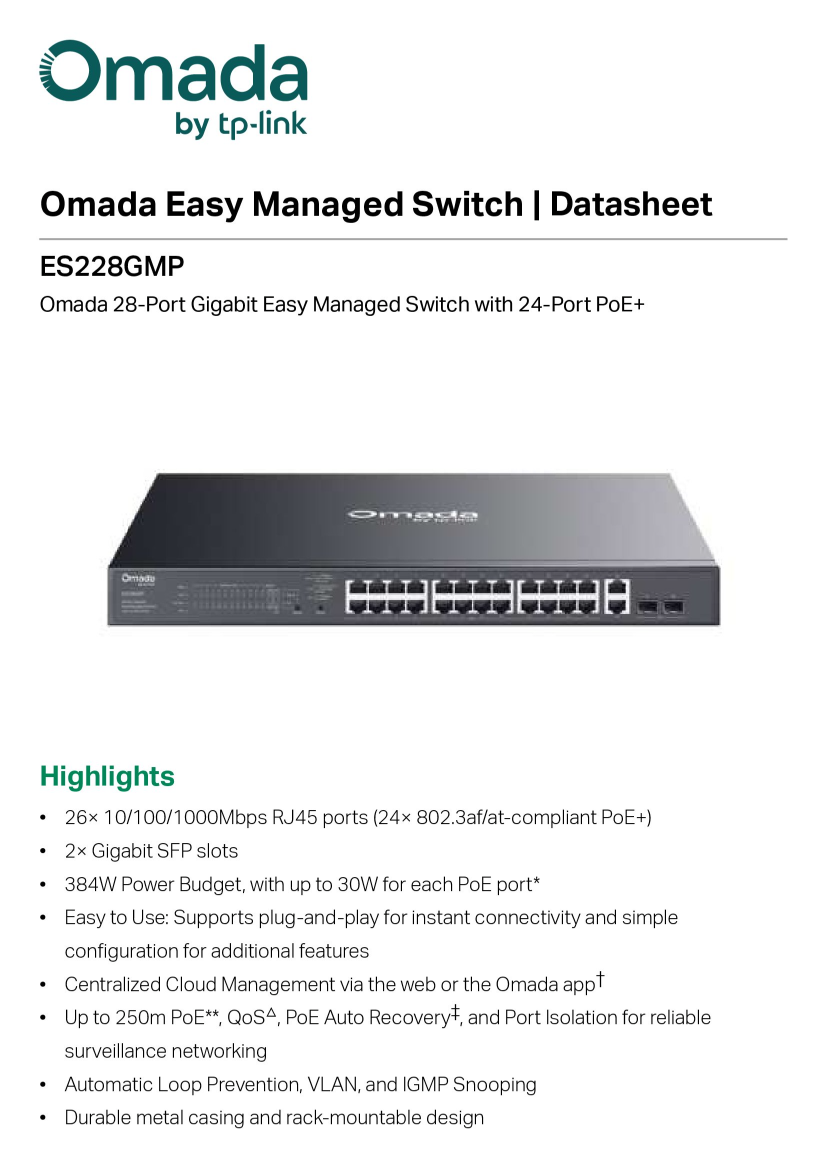
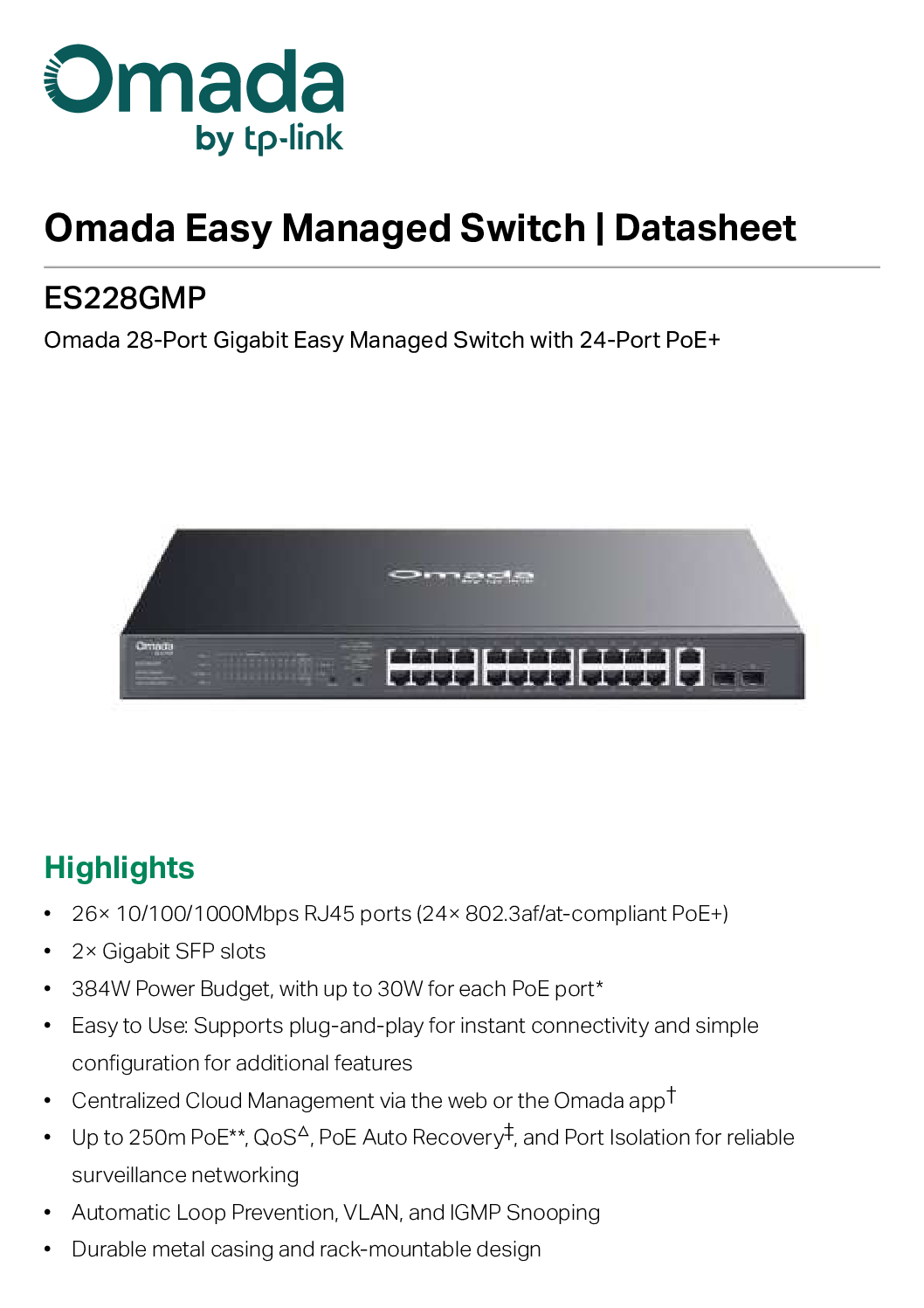
TP-Link Omada ES228GMP 28-Port Gigabit Easy Managed
The TP-Link Omada ES228GMP 28-Port Gigabit Easy Managed Switch is a powerful and reliable networking solution designed for small to medium-sized businesses that demand high performance, flexibility, and simplified network management. Equipped with 24 PoE+ ports and a robust 384W power budget, this switch is ideal for powering IP cameras, access points, VoIP phones, and other PoE-enabled devices.
Key Features
⚡ 24 PoE+ Ports with 384W Power Budget
Delivering up to 30W per port, the ES228GMP ensures stable power supply for multiple high-demand devices simultaneously, making it perfect for surveillance systems and wireless networks.
🚀 28 Gigabit Ports for High-Speed Connectivity
With 28 Gigabit Ethernet ports, including dedicated uplink ports, this switch provides fast and reliable data transfer for smooth network performance.
🧠 Easy Managed with Omada SDN Integration
Seamlessly integrate with the TP-Link Omada SDN Controller for centralized cloud management, remote monitoring, and intelligent network optimization.
🔒 Advanced Network Security & VLAN Support
Enhance your network security with features like VLAN, QoS, IGMP Snooping, and storm control to ensure efficient traffic management and protection.
🛠️ Plug-and-Play with Flexible Management Options
Enjoy easy deployment with intuitive web interface management, even without advanced IT expertise.
Ideal Use Cases
- Business networks and office environments
- IP surveillance systems (CCTV setups)
- Wireless access point deployments
- VoIP phone systems
- Retail stores and hospitality environments
TP-Link Omada ES228GMP 28-Port Gigabit Easy Managed
Why Choose TP-Link Omada ES228GMP?
The TP-Link Omada ES228GMP stands out for its balance of power, performance, and affordability. Whether you’re expanding your network infrastructure or upgrading to a PoE-capable system, this switch offers enterprise-level features without the complexity.
🧠 How this switch works (simple explanation)
The TP-Link Omada ES228GMP 28-Port Gigabit Easy Managed Switch is basically a network traffic controller + power supplier.
1. It connects multiple devices together
- You plug in devices like:
- Computers
- IP cameras
- WiFi access points
- VoIP phones
- The switch allows all these devices to communicate in the same network
👉 Think of it like a power strip + traffic controller for internet data
2. It sends BOTH data + power (PoE+)
- The 24 PoE+ ports can send:
- Internet data
- Electrical power (up to 30W per port)
- This means:
- No need separate power cables for devices like cameras or access points
➡️ Example: One LAN cable = power + internet
✔ Total power budget: 384W shared across devices
TP-Link Omada ES228GMP 28-Port Gigabit Easy Managed
3. Inside the switch (how it’s built)
Internally, it has:
- Switching chip (processor) → directs data to correct device
- PoE power module → supplies electricity to ports
- Ethernet ports (28 total)
- 24 PoE+ ports
- 2 normal RJ45 ports
- 2 SFP ports (for fiber uplink)
- Cooling system + metal casing for durability
4. It manages network traffic (smart features)
This is an “easy managed switch”, so it can:
- Separate networks (VLAN)
- Prioritize traffic (QoS)
- Prevent loops or crashes
- Monitor devices remotely
👉 Can be controlled via:
- Web browser
- Omada cloud/app system
5. Real-life example setup
Imagine a CCTV system:
- 20 IP cameras → plug into PoE ports
- 2 WiFi access points → plug in
- 1 router → uplink port
✅ Switch powers everything
✅ Sends video/data to server
✅ Keeps network stable
TP-Link Omada ES228GMP 28-Port Gigabit Easy Managed
🏗️ How it is manufactured (brief)
Physically, it’s made by:
- PCB (circuit board) assembly – chips + controllers mounted
- PoE power module integration
- Ethernet port soldering
- Metal casing + cooling system
- Firmware installation (Omada software)
👍 In short
- It is a central hub for network + power
- Reduces cable clutter
- Used in offices, hotels, CCTV setups, and businesses
🏢 1. Small & Medium Businesses (SMEs)
- Offices
- Accounting firms
- Tech startups
Why they buy:
- Need to connect many computers + printers
- Want stable internet for staff
- Can power devices like IP phones
👉 This switch supports many devices at once and keeps the network organized
TP-Link Omada ES228GMP 28-Port Gigabit Easy Managed
📹 2. CCTV / Security System Installers
- Security companies
- Building management
- Smart home installers
Why they buy:
- Can power IP cameras using PoE (no extra power cables)
- Supports long-distance camera connections
- Stable for 24/7 surveillance
👉 Designed for surveillance networks and reliable operation
📶 3. IT Professionals & Network Engineers
- System integrators
- IT support companies
- Managed service providers
Why they buy:
- Can manage network remotely (Omada system)
- Configure VLAN, traffic control, etc.
- Install in server racks
👉 It supports centralized cloud management for multiple sites
🏨 4. Hotels, Restaurants & Retail Shops
- Hotels
- Cafés
- Shopping stores
Why they buy:
- Power WiFi access points across the building
- Run POS systems + guest WiFi
- Reduce wiring (1 cable = power + data)
🏠 5. Advanced Home Users (Rare)
- Tech enthusiasts
- Home lab users
Why they buy:
- Running many devices (servers, NAS, cameras)
- Want enterprise-level network at home
👉 Example from community:
People upgrading home labs or WiFi systems use Omada switches for better performance and scalability
TP-Link Omada ES228GMP 28-Port Gigabit Easy Managed
❌ Who should NOT buy this?
- Normal home users with:
- 1–5 devices
- Basic WiFi router
👉 This is overkill for simple home internet
👍 Simple Summary
People who buy this switch:
- Businesses 🏢
- CCTV installers 📹
- IT professionals 🧠
- Large network users 📶
People who don’t:
- Basic home users ❌
⏳ How long does this switch last?
🟢 Typical lifespan: 5 to 10 years (or more)
For a device like this, the normal lifespan is:
- 5–7 years → common in business environments
- 7–10+ years → possible with good conditions
👉 This is because it’s built with:
- Durable metal casing
- Enterprise-grade components
- Designed for 24/7 operation
🔧 What affects how long it lasts?
1. 🌡️ Temperature (very important)
- Cool environment → lasts longer
- Hot server room → wears out faster
👉 Heat is the #1 reason network switches fail
TP-Link Omada ES228GMP 28-Port Gigabit Easy Managed
2. ⚡ Power usage (PoE load)
- If you use full 384W constantly, components age faster
- Light/medium usage → longer lifespan
3. 🧼 Dust & ventilation
- Dust blocks airflow → overheating
- Clean rack setup = better durability
4. 🔌 Power quality
- Power surges or unstable electricity can damage it
👉 Using a UPS (battery backup) helps a lot
🧠 Real-world expectation
- Offices typically replace switches after 5–7 years (upgrade, not failure)
- Many units still work fine after 8–10 years
👉 Networking equipment usually becomes outdated before it breaks
TP-Link Omada ES228GMP 28-Port Gigabit Easy Managed
⚠️ Signs it’s wearing out
After years, you might see:
- Random port failures
- Slower network performance
- Overheating or fan noise
- PoE ports not powering devices properly
👍 Simple answer
👉 You can expect:
- Minimum: ~5 years
- Average: 7–10 years
- Best case: 10+ years with good care
💡 Pro tip
If you want it to last longer:
- Keep it in a cool, ventilated rack
- Don’t overload all PoE ports 24/7
- Use a UPS for stable power
🛡️ Warranty for this product
For the TP-Link Omada ES228GMP, the warranty depends on region—but since you’re in Singapore, here’s the accurate one:
🇸🇬 Singapore warranty
- ✅ 5-year replacement warranty for Omada switches
👉 This includes:
- Hardware defects
- Manufacturing issues
- Faulty ports or PoE problems
📋 What the warranty covers
- Defects in materials or workmanship
- Internal components (main unit)
- Replacement if the unit fails under normal use
TP-Link Omada ES228GMP 28-Port Gigabit Easy Managed
❌ What is NOT covered
- Physical damage (drops, water, misuse)
- Opening or modifying the device
- Power surges or improper installation
- Products bought from unauthorized sellers
⚠️ Important notes
- Warranty is for the original buyer only
- You need:
- Receipt / invoice
- Serial number
- No “international warranty” → must claim in country of purchase
👍 Simple answer
👉 You get 5 years warranty (in Singapore)
👉 That’s considered very good for networking equipment
🔧 Basic Setup (First Time)
1. 🪛 Connect everything
- Plug in power
- Connect:
- Router → any port (usually uplink port)
- Laptop/PC → switch
👉 Make sure your PC is on the same network
2. 🌐 Access the web interface
- Open browser
- Enter default IP (usually):
- 192.168.0.1 OR 192.168.1.1
👉 If not working:
- Use TP-Link “Omada Discovery Tool”
- Or check your router’s DHCP list
TP-Link Omada ES228GMP 28-Port Gigabit Easy Managed
3. 🔐 Login
- Default login:
- Username: admin
- Password: admin
👉 You’ll be asked to change password (important)
⚙️ Basic Configuration
4. 🧭 Set IP address (recommended)
Go to:
- Network → IP Settings
Choose:
- Static IP (best for business)
- Example:
- IP: 192.168.1.10
- Gateway: 192.168.1.1
👉 So you can always access the switch
5. ⚡ Enable PoE (usually auto)
- Go to: PoE settings
- Check ports are ON
👉 It automatically powers:
- Cameras
- Access points
- IP phones
6. 🧩 Create VLAN (optional but important)
Go to:
- VLAN → 802.1Q VLAN
Example:
- VLAN 10 → Office network
- VLAN 20 → CCTV
👉 This separates traffic (more secure)
TP-Link Omada ES228GMP 28-Port Gigabit Easy Managed
7. 🚦 Set QoS (optional)
Go to:
- QoS settings
👉 Prioritize:
- Video calls
- CCTV traffic
☁️ Advanced (Recommended)
Use Omada Cloud Management
Install or use:
- TP-Link Omada SDN Controller
You can:
- Manage multiple devices
- Monitor remotely
- Control everything in one dashboard
👉 Works via:
- PC software
- Cloud access
- Mobile app
🔌 Example Setup (Real Use)
Small office:
- Port 1 → Router
- Ports 2–10 → PCs
- Ports 11–20 → IP phones
- Ports 21–24 → WiFi access points
CCTV setup:
- All cameras → PoE ports
- NVR → uplink port
TP-Link Omada ES228GMP 28-Port Gigabit Easy Managed
⚠️ Common mistakes to avoid
- ❌ Not changing default password
- ❌ Using random IP (causes conflict)
- ❌ Overloading PoE power (384W total limit)
- ❌ No VLAN → messy network
🤔 What this product can do (very simple)
This device is basically a network hub + power supply for many devices at the same time.
🔌 1. Connect many devices together
- Has 28 ports
- You can connect:
- Computers
- Printers
- Servers
- WiFi access points
👉 It lets all devices talk to each other in one network
⚡ 2. Power devices using network cable (PoE+)
- 24 ports can send power + internet together
- Up to 30W per port, 384W total
👉 You can power:
- CCTV cameras 📹
- WiFi access points 📶
- IP phones ☎️
✔ No need extra power adapter
TP-Link Omada ES228GMP 28-Port Gigabit Easy Managed
📹 3. Perfect for CCTV systems
- Supports long cable distance (up to ~250m)
- Has PoE auto recovery (restart camera if it hangs)
👉 Very useful for:
- Offices
- Buildings
- Security systems
🌐 4. Manage your network (smart control)
You can:
- Separate networks (VLAN)
- Control traffic (QoS)
- Prevent network issues
👉 Makes network:
- Faster
- Safer
- More organized
☁️ 5. Control everything remotely
- Works with Omada cloud system
- Manage from:
- Phone
- Laptop
- Anywhere
👉 Good for IT teams managing multiple sites
TP-Link Omada ES228GMP 28-Port Gigabit Easy Managed
🔄 6. Keep network stable
- Prevents network loops
- Handles heavy traffic smoothly
- Supports many users at once
👉 Important for business environments
🧠 Easy way to understand
👉 This device does 3 main jobs:
- Connect devices
- Send internet
- Supply power
➡️ All in ONE box
👍 Real-life example
Office setup:
- 10 computers
- 10 IP phones
- 4 WiFi access points
👉 This switch:
- Connects all devices
- Powers phones + WiFi
- Keeps network running smoothly
TP-Link Omada ES228GMP 28-Port Gigabit Easy Managed


Nunc lacus elit, faucibus ac laoreet sed, dapibus ac mi. Maecenas eu ante a elit tempus fermentum. Aliquam commodo tincidunt semper. Phasellus accumsan, justo ac mollis pharetra, ex dui pharetra nisl, a scelerisque ipsum nulla ac sem. Cras eu risus urna. Duis lorem sapien, congue eget nisl sit amet, rutrum faucibus elit.
Donec accumsan auctor iaculis. Sed suscipit arcu ligula, at egestas magna molestie a. Proin ac ex maximus, ultrices justo eget, sodales orci. Aliquam egestas libero ac turpis pharetra, in vehicula lacus scelerisque. Vestibulum ut sem laoreet, feugiat tellus at, hendrerit arcu.
Nunc lacus elit, faucibus ac laoreet sed, dapibus ac mi. Maecenas eu ante a elit tempus fermentum. Aliquam commodo tincidunt semper. Phasellus accumsan, justo ac mollis pharetra, ex dui pharetra nisl, a scelerisque ipsum nulla ac sem. Cras eu risus urna. Duis lorem sapien, congue eget nisl sit amet, rutrum faucibus elit.